articleHTML elements
Headings
Heading Level 1 small text link
Heading Level 2 small text link
Heading Level 3 small text link
Heading Level 4 small text link
Heading Level 5 small text link
Heading Level 6 small text link
Block text
A paragraph (from Ancient Greek παράγραφος (parágraphos) “to write beside”) is a self-contained unit of discourse in writing dealing with a particular point or idea. Though not required by the orthographic conventions of any language with a writing system, paragraphs are a conventional means of organizing extended segments of prose.
The crafting of clear, coherent paragraphs is the subject of considerable stylistic debate. The form varies among different types of writing. For example, newspapers, scientific journals, and fictional essays have somewhat different conventions for the placement of paragraph breaks.
A block quotation (also known as a long quotation or extract) is a quotation in a written document that is set off from the main text as a paragraph, or block of text, and typically distinguished visually using indentation and a different typeface or smaller size font.
This paragraph is above a horizontal rule.
This paragraph is below a horizontal rule.
A definition list follows this paragraph.
- This is the term in a definition list
- This is the first definition in a definition list.
- This is the second definition in a definition list.
An ordered list follows this paragraph.
- First item in an ordered list
- Second item in an ordered list
- Third item in an ordered list
- First item in a nested ordered list
- Second item in a nested ordered list
- Fourth item in an ordered list
- Fifth item in an ordered list
An unordered list follows this paragraph.
- First item in an unordered list
- Second item in an unordered list
- Third item in an unordered list
- First item in a nested unordered list
- Second item in a nested unordered list
- Fourth item in an unordered list
- Fifth item in an unordered list
A menu list follows this paragraph.
Preformatted text
preserves line
breaks
      and spaces     in the
                source code.
Inline text
Anchor tags are links to other resources. Here is a visited link.
abbr represents an abbreviation or acronym, like NASA.
b means “bring attention to…” AKA bold.
big is deprecated but still useful. It makes text bigger relative to the parent.
cite marks tthe title of a creative work. It is italicized like this: Moby-Dick.
code is for short segments of computer_code.
del is for deleted text.
dfn is for a definition, using the element’s title attribute to define the definition, which might pop up in a tooltip.
em is for emphasis AKA italics.
i is for idiomatic text AKA italics.
ins is for inserted text
kbd represents input expected from a user, like pressing ctrl + alt + del.
mark is for marked or highlighted text.
q
is for short inline quotations. The cite attribute refers to the source of the quote: Call me Ishmael.
ruby, rt, and rp render the little pronunciation hints that might appear over CJK text:
漢字
s is for strikethrough text.
samp is for sampled output of a computer program. Hello, world!
small is for “side comments” or “small print.” It makes text smaller relative to the parent
strong is for strong important, AKA bold.
sub text appears in subscript
sup text appears in superscript
represents a date, time, datetime, or duration. The datetime attribute is a valid digital representation of the element’s date/time/duration: .
u is for “unarticulated annotation” aka underline.
var is for a mathematical variable: a = h × w.
Media
An audio element follows this paragraph.
An img element follows this paragraph.

A figure element follows this paragraph.
A picture element follows this paragraph.
A video element follows this paragraph.
Tables
| Column header A | Column header B | Column header C | |
|---|---|---|---|
| Row header 1 | Table cell A1 | Table cell B1 | Table cell C1 |
| Row header 2 | Table cell A2 | Table cell B2 | Table cell C2 |
| Row header 3 | Table cell A3 | Table cell B3 | Table cell C3 |
| Table footer A | Table footer B | Table footer C |
Forms
Interactive elements
A performs an action when activated, such as submitting a form or opening a dialog. It is an unstyled container for other actions.
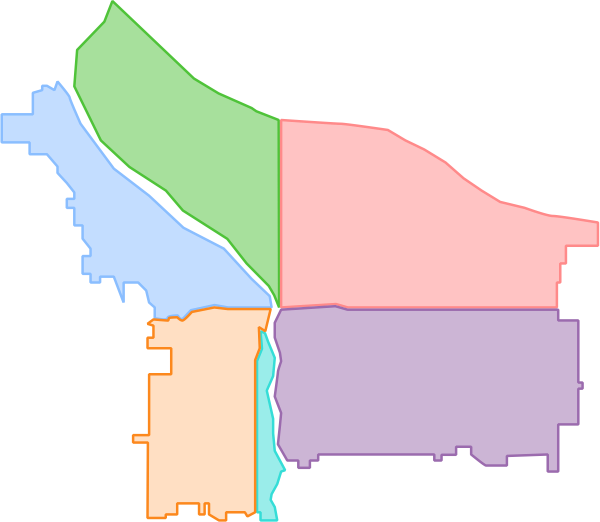
An image map follows this paragraph
summary
details
Structural elements
The following structural elements have block display but no other styling.
address
divheadersearchsection